




Enterprise-Grade E-Signatures. For Everyone.

Fully compliant signatures out of the box. Ready to use or ready to be built upon.

Deliver a frictionless signing experience to your users at any scale with enterprise-grade functionality that is ready when you are.

Upload your document

Click to upload

Document

Upload your document and get it signed in minutes.
A simple, secure way to handle everything in one place.

J o h n S m i t h

Sign here

Here's how it works

Contract

Signature Signly
01

Get documents signed faster

Place signature fields, dates, and initials, then track signing progress in real time.
Draw Type Upload
Signly
02

Sign it in a few clicks

Draw your signature, type it, upload its image, or use your mobile device as a signature pad.

Send document

Email Link
Enter recipient email
Add a message (optional)
03

Share documents for signing

Send documents via email or secure link, track progress, and download completed files.

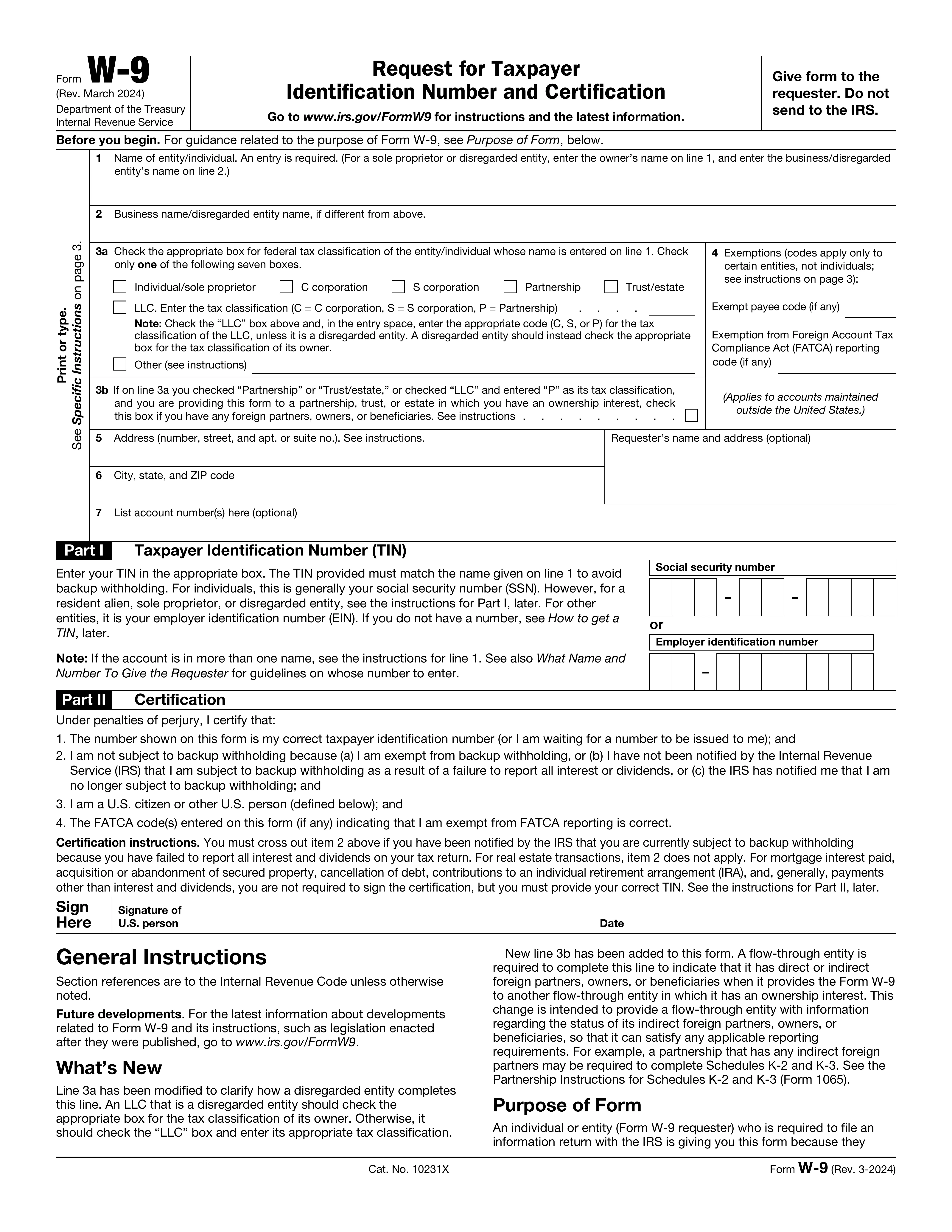
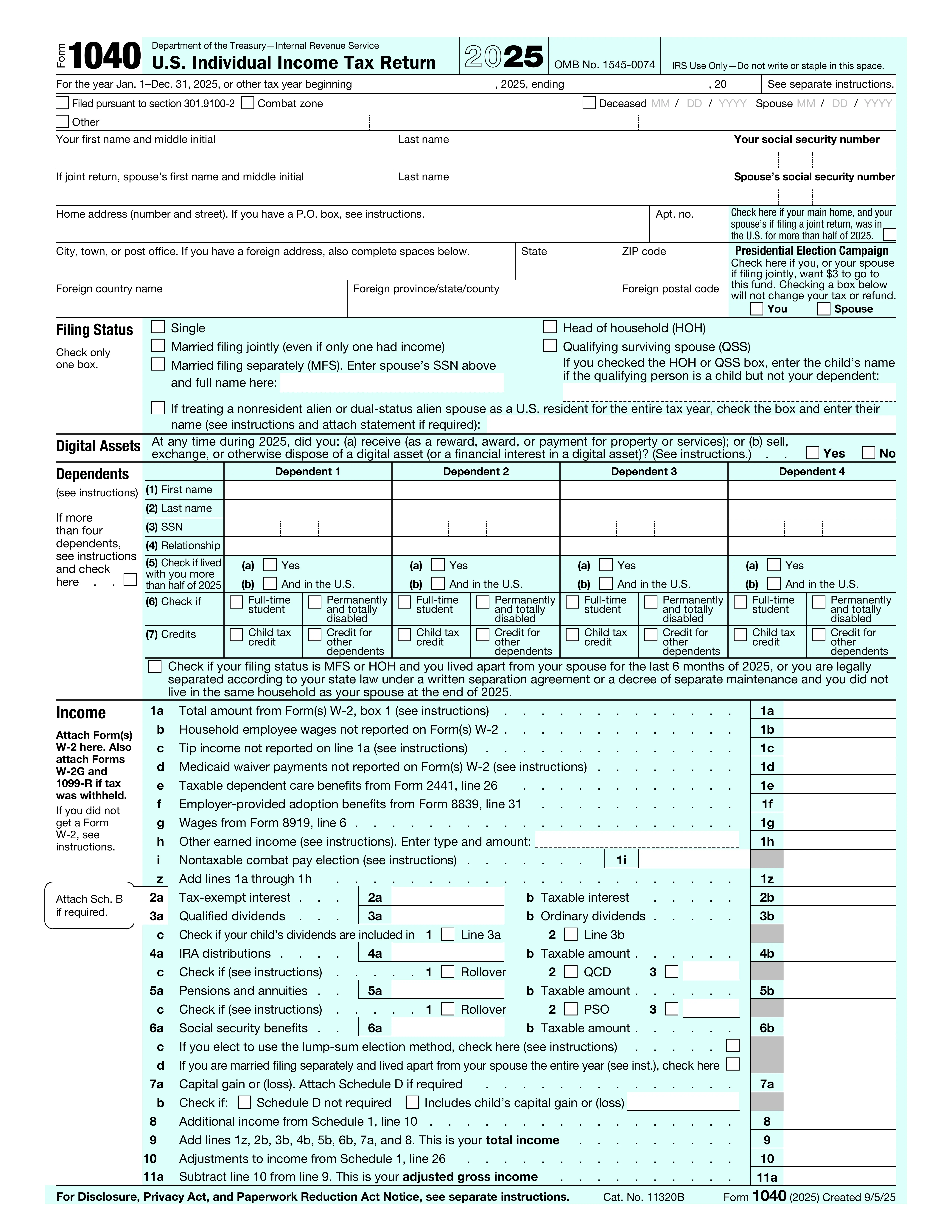
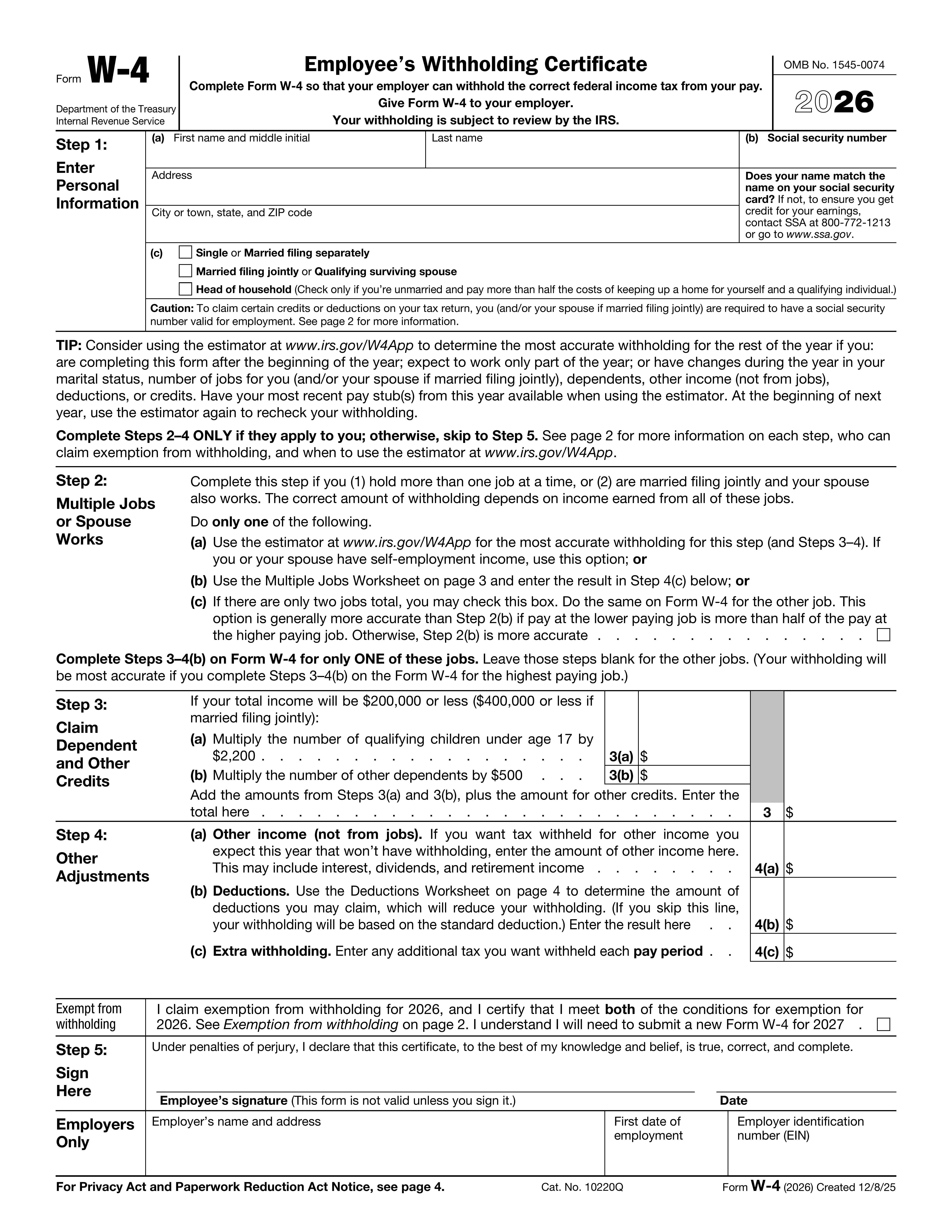
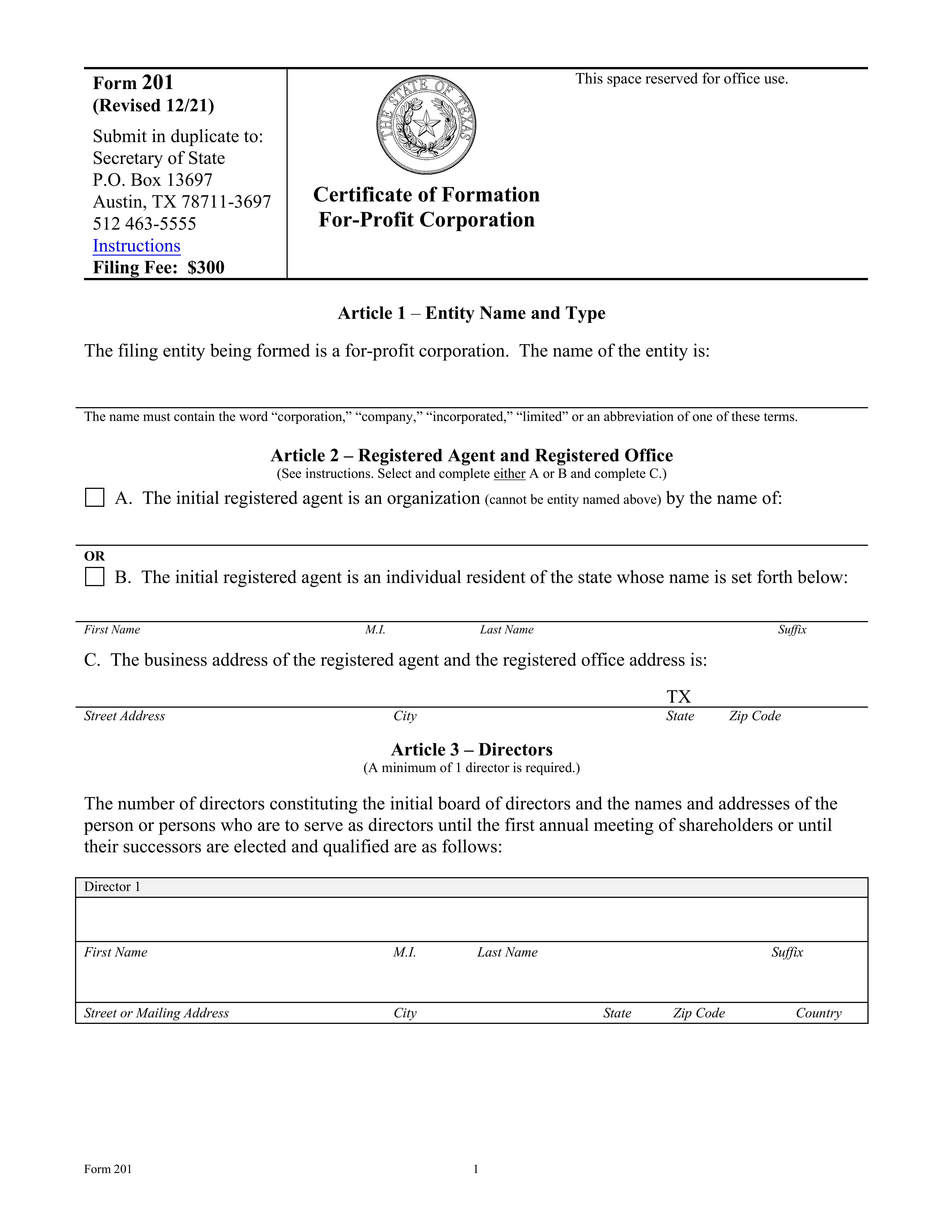
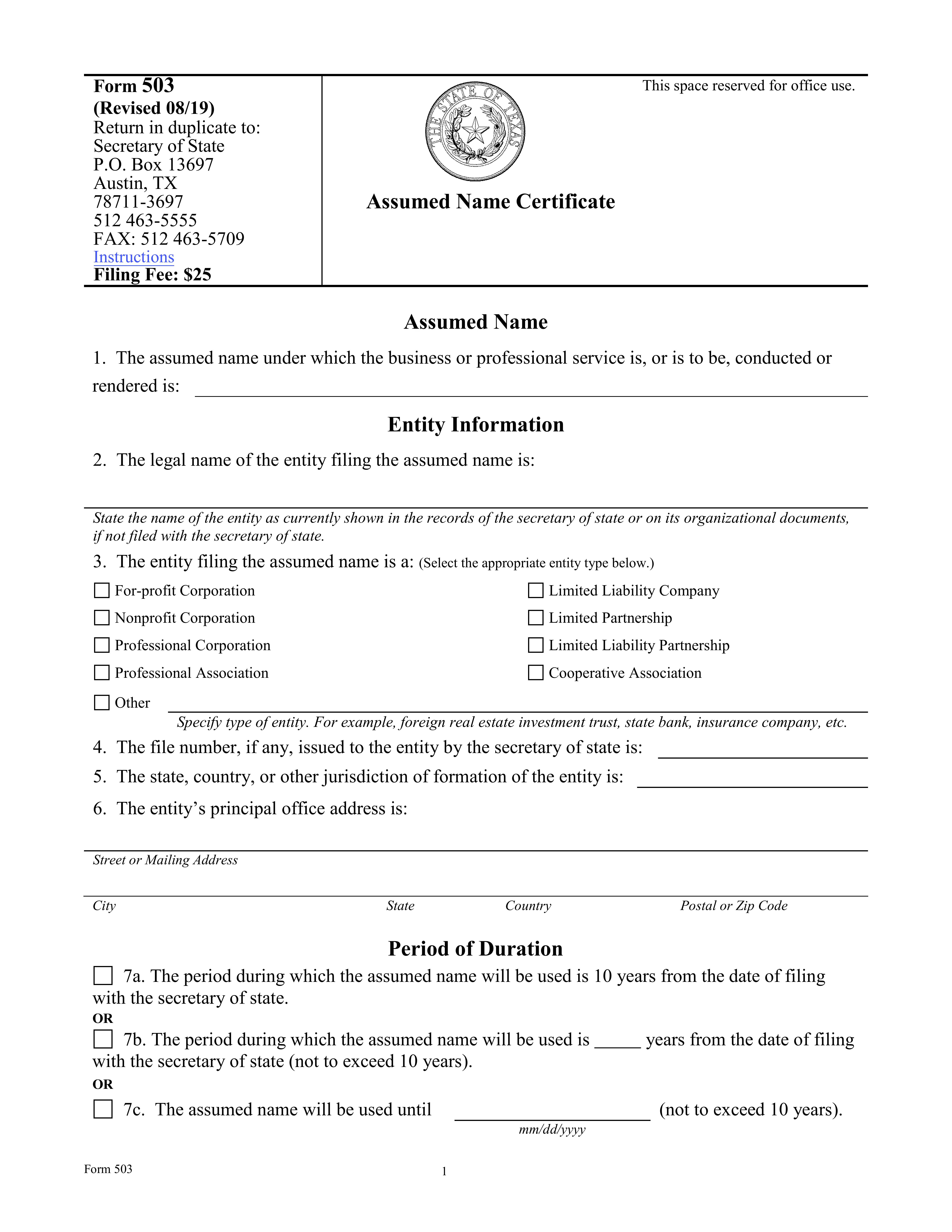
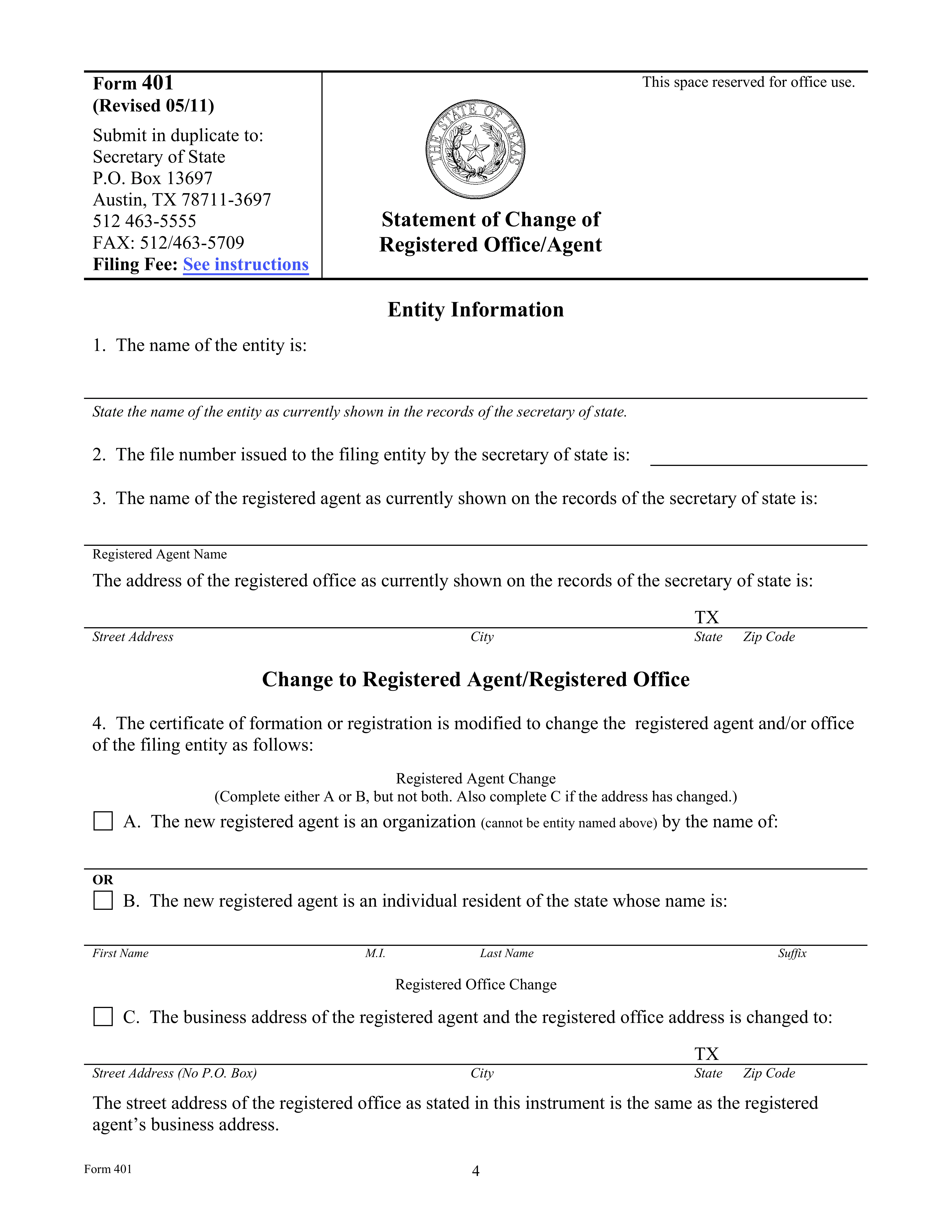
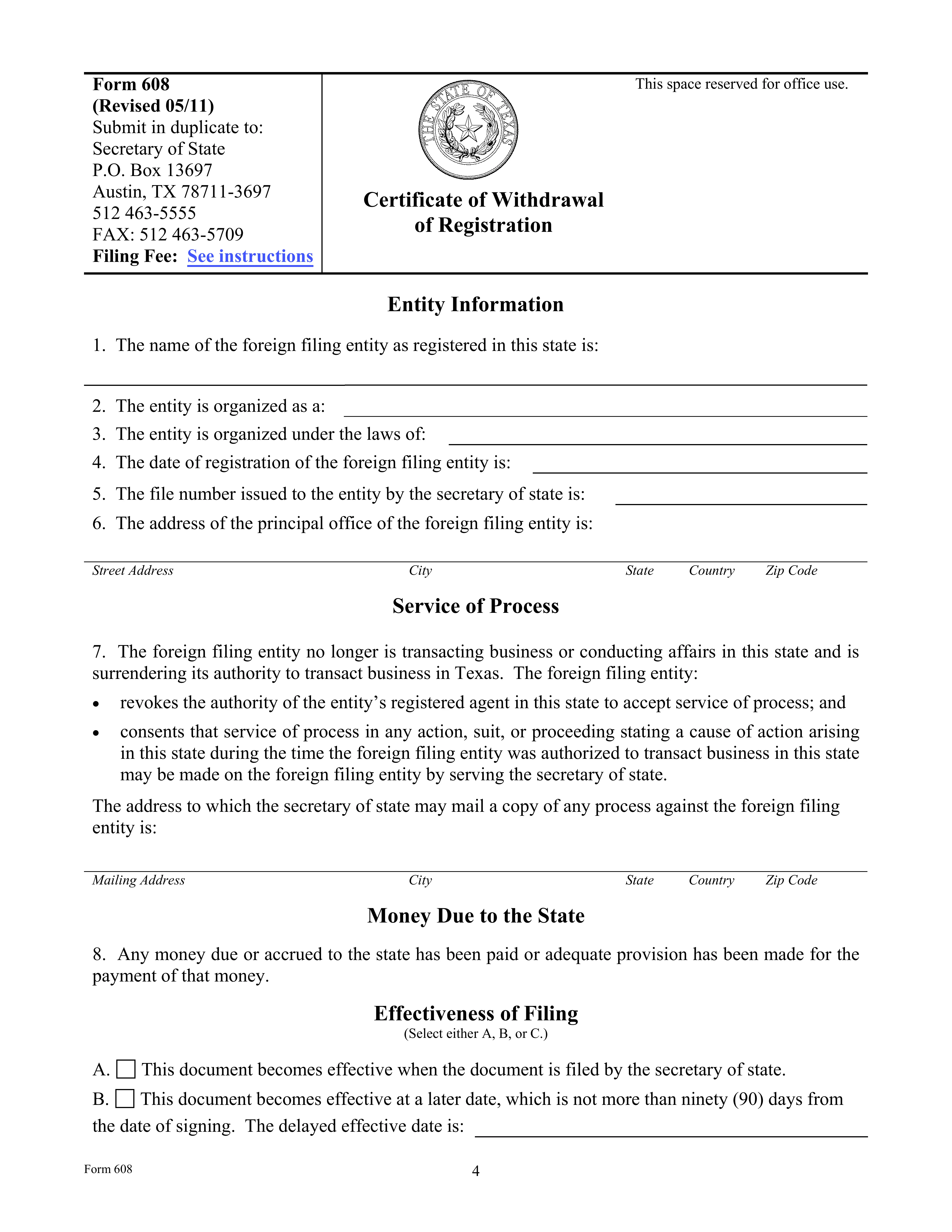
Pre-filled IRS and other official forms, ready in minutes

Fill, sign, and download ready-to-use PDF forms with smart prefill. No manual retyping — perfect for taxes, work, and everyday paperwork.

All your files & data are safe with SignlyPDF

SignlyPDF applies proven security standards to protect your data and ensure safe document handling.

Multi-Factor Authentication

Multi-Factor Authentication Multi-Factor Authentication

All SignlyPDF team members use multi-factor authentication to access internal systems. This applies to email, cloud services, and the application's source code, adding an extra layer of security. Secure access to internal systems with multi-factor authentication, protecting accounts from unauthorized access.

256-bit SSL Encryption

256-bit SSL Encryption 256-bit SSL Encryption

SignlyPDF secures all sensitive information both during transmission and while stored. Our platform uses industry-recognized AES-256 encryption to ensure data is safely protected at rest. Sensitive data is protected in transit and at rest using AES-256 encryption, the industry security standard.

File Storage

File Storage File Storage

All files uploaded to SignlyPDF are stored on secure cloud infrastructure provided by DigitalOcean. Our storage environment follows industry best practices to ensure data reliability and security. Uploaded files are stored on secure cloud infrastructure provided by DigitalOcean, following best security practices.

Software Audits

Software Audits Software Audits

SignlyPDF regularly reviews third-party libraries and application code. We perform ongoing security checks, including automated analysis and manual code reviews, to maintain a strong security posture. Application code and third-party libraries are reviewed through regular automated and manual security checks.

Pricing

Simple pricing. Powerful value.

Choose the plan that fits your signing needs.

7-Day Access

Perfect for short-term needs and occasional use.

$1.49 / week
  • Unlimited documents
  • Unlimited participants
  • Secure and legally binding
Get weekly plan

Enterprise

Advanced solutions for teams and organizations at scale.

Contact us
  • Everything in Yearly
  • Advanced team and admin controls
  • Bulk sending and workflow automation
  • Custom integrations (API)
  • Dedicated support and onboarding
  • SLA and security tailored to your needs
Contact Sales

Frequently Asked Questions

Let’s help you with some of your frequently asked questions.

Couldn't find your answer? Talk to Us

Can someone change a document after it's signed?

Yes, if there's no proper tracking. Without proof of document integrity, it's hard to show which version was actually signed. SignlyPDF records the exact document version and its hash, so any change can be detected.

How do I know who signed the document?

If you only have a plain PDF, you usually don't. SignlyPDF records the signer's verified email, IP address, timestamp, and session details. This helps connect the signature to a specific person and action.

Can someone copy or misuse my signature?

Yes, if it's just a static image or a basic PDF signature. That's because the signature may not be tied to a specific document or signing event. SignlyPDF links the signature to the document version, email, IP address, and session, so simple copying is not enough to fake a valid signing record.

How do I sign a PDF?

You don't need any special setup. In the U.S., signing by drawing, typing your name, or clicking "Agree" can all be valid. What matters most is being able to prove it later. With SignlyPDF, you upload the file, add signature fields, and sign it yourself or send it out for signing. The system records who signed, when they signed, and where the action came from.

How do I request signatures from other people?

To send a document for signature, use our e-signing product, SignlyPDF.

Can I sign PDF, DOCX, XLSX, and JPG files?

Yes. Our eSign tool works with more than just PDFs. You can upload PDF, DOCX, XLSX, JPG, and other image files. They'll be converted to PDF automatically so you can sign them securely.