
Get the most current Change of Registered Agent now

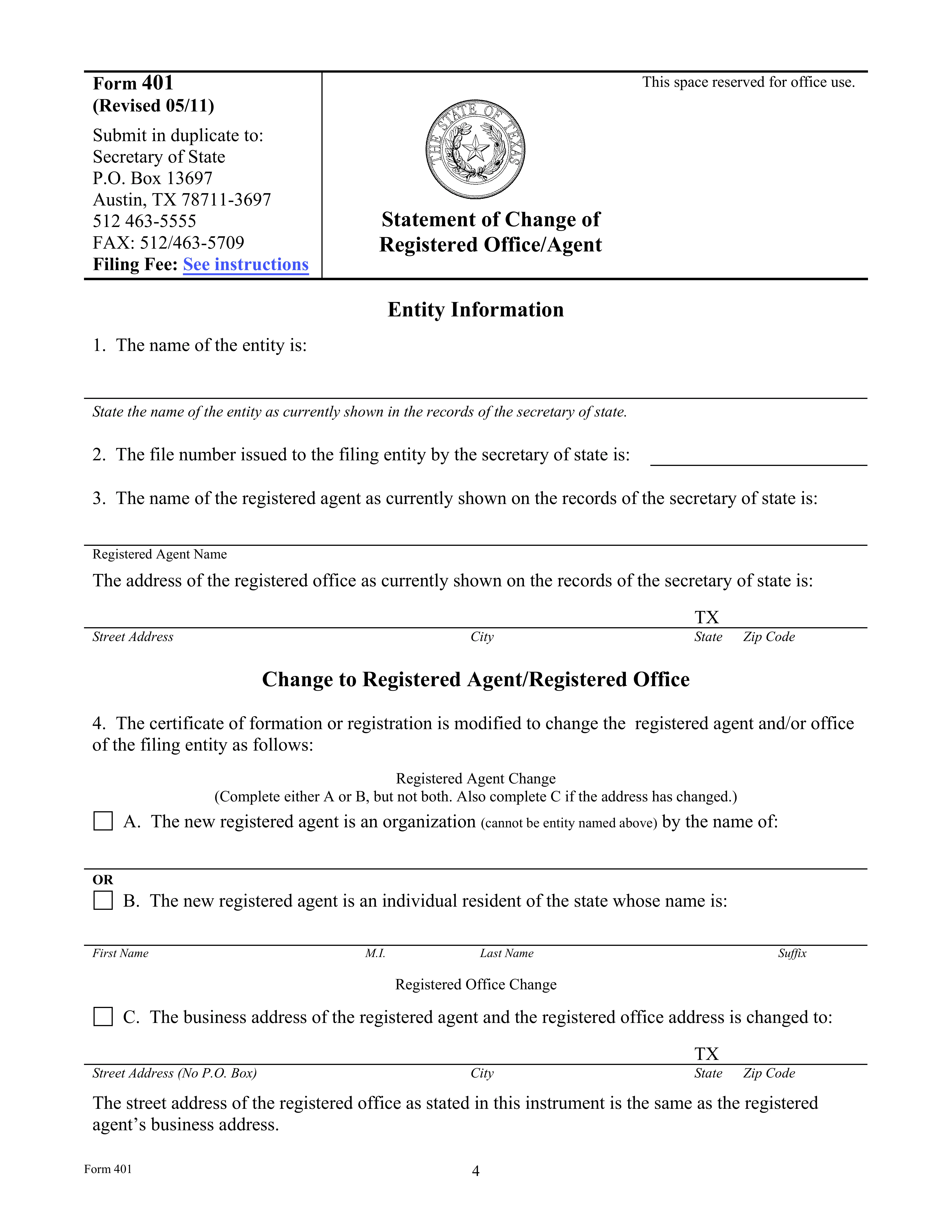
Statement of Change of Registered Agent or Registered Office (Texas Form 401)

Here’s how it works

Edit your Change of Registered Agent online

Type text, add images, blackout confidential details, add comments, highlights and more.

Sign it in a few clicks

Draw your signature, type it, upload its image, or use your mobile device as a signature pad.

Share your form with others

Send Change of Registered Agent via email, link, or fax. You can also download it, export it or print it out.

How to fill out a Change of Registered Agent form?

Use the instructions below to start using our professional PDF editor for the Change of Registered Agent form:

How to fill out Change of Registered Agent

Use the instructions below to start using our professional PDF editor for the Change of Registered Agent form:

  • 1

    Click the "Get my form" button at the top of the page.

  • 2

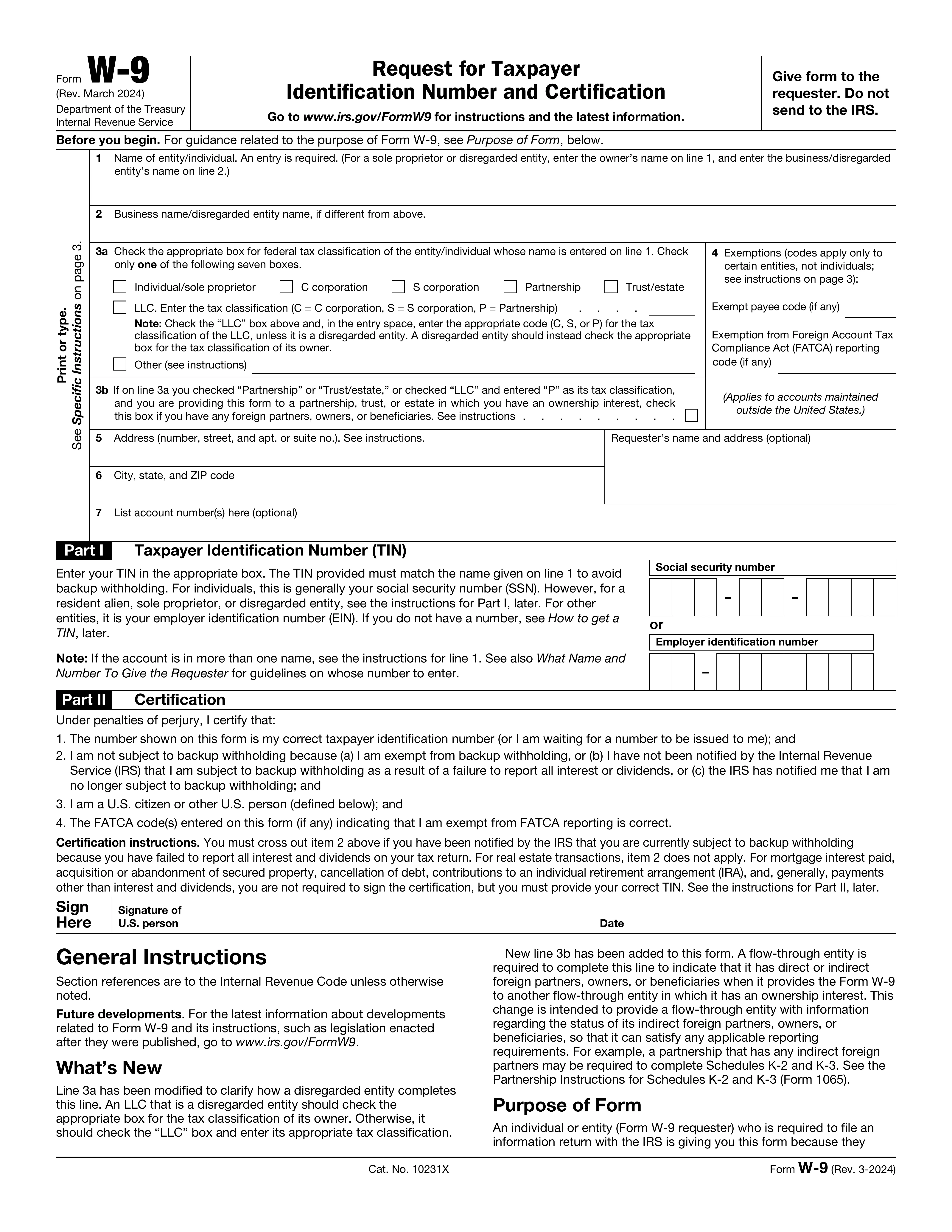
    Edit your Change of Registered Agent form. Rearrange and rotate pages, add or modify text, etc.

  • 3

    When you’re ready, click “Done” to save your file. Choose the needed format and rename it if desired.