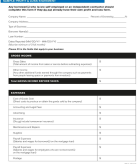


01. Get documents signed faster
Place signature fields, dates, and initials, then track signing progress in real time.
Upload documents, add signature fields, and collect signatures — all in one place.


Sign PDFs online in seconds
Add signature fields and dates
Send documents via secure links
No downloads or setup needed
Supports all popular file types
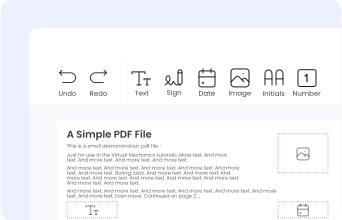
Place signature fields, dates, and initials, then track signing progress in real time.
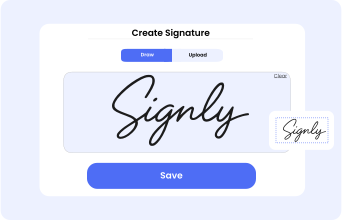
Draw your signature, type it, upload its image, or use your mobile device as a signature pad.

Send documents via email or secure link, track progress, and download completed files.
Place signature fields, dates, and initials, then track signing progress in real time.

Draw your signature, type it, upload its image, or use your mobile device as a signature pad.
Send documents via email or secure link, track progress, and download completed files.
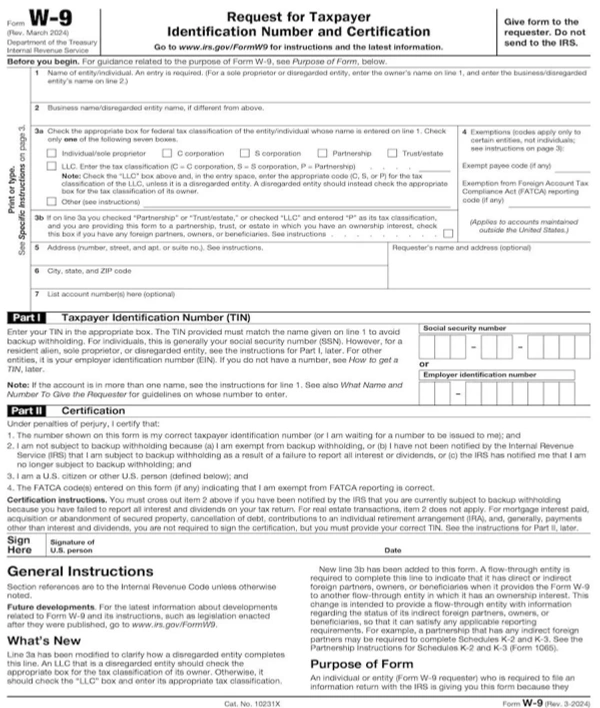
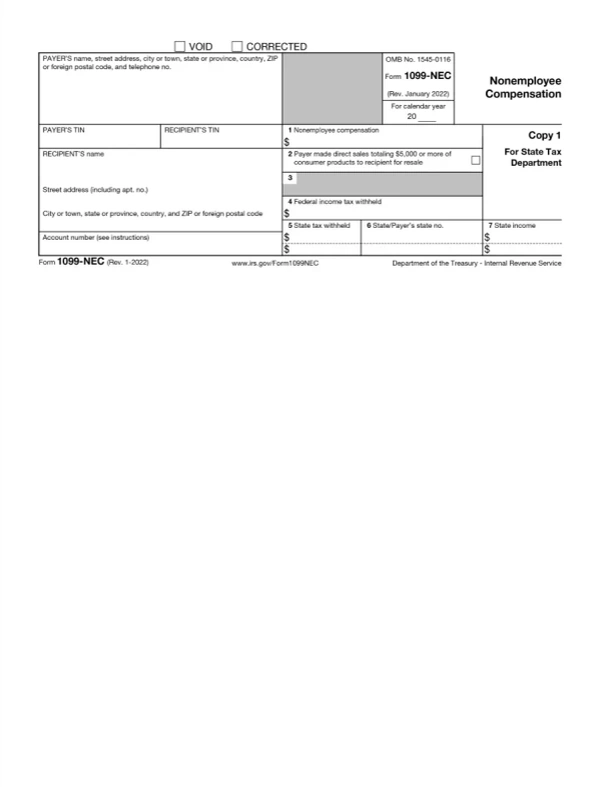
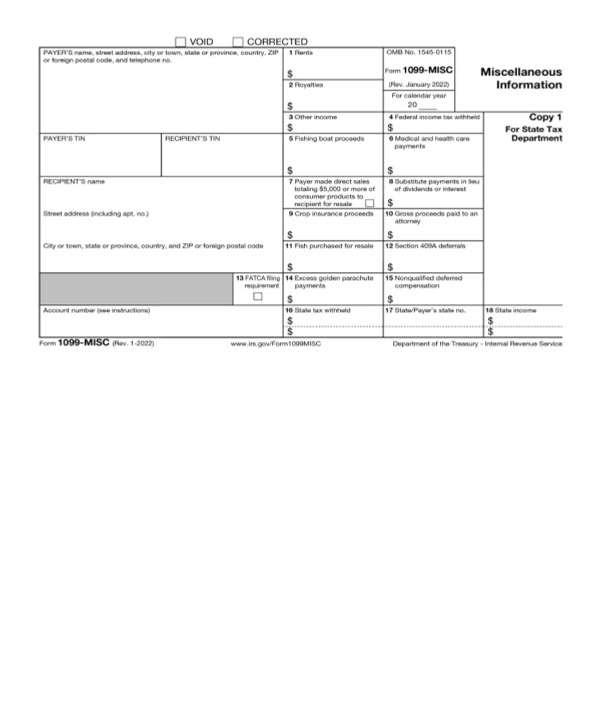
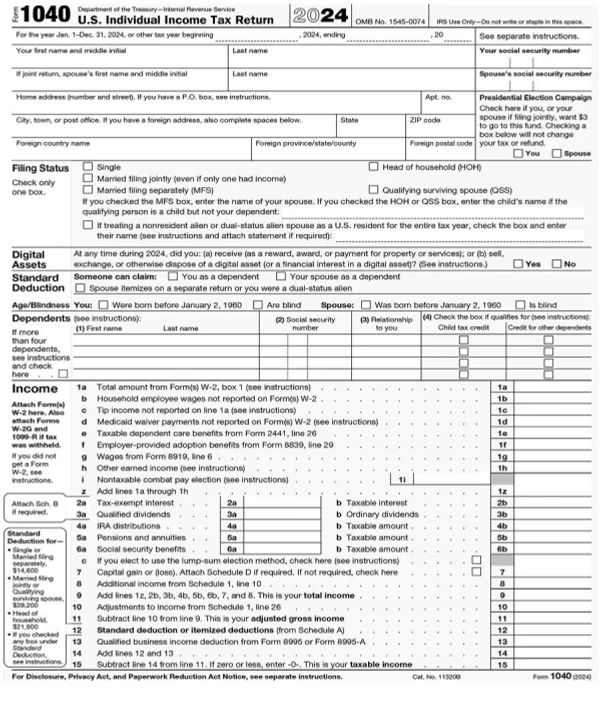
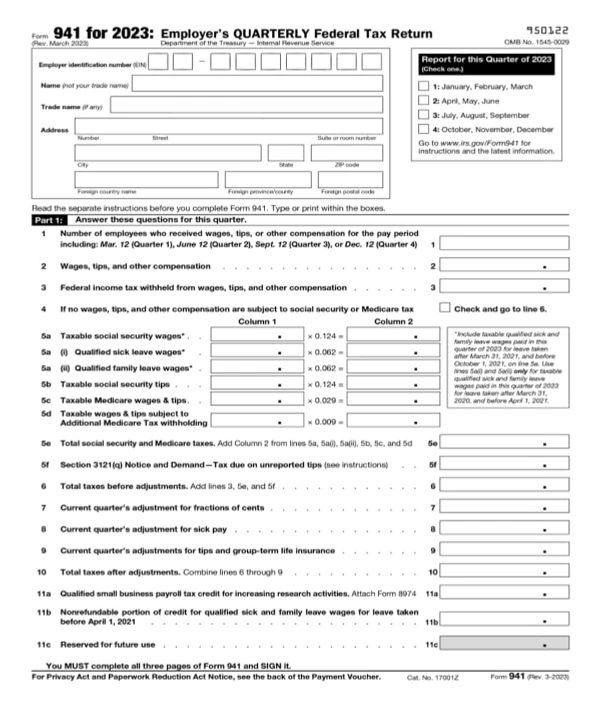
Fill, sign, and download ready-to-use PDF forms with smart prefill. No manual retyping — perfect for taxes, work, and everyday paperwork.
Fill, sign, and download ready-to-use PDF forms with smart prefill. No manual retyping — perfect for taxes, work, and everyday paperwork.
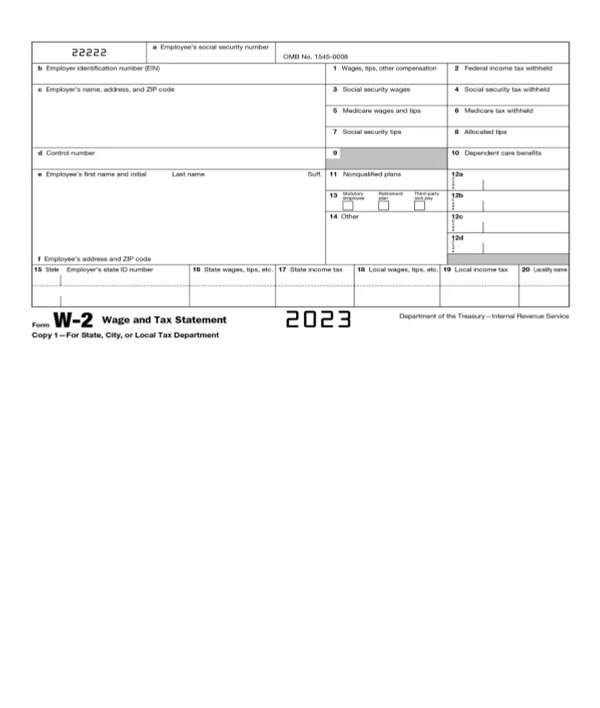
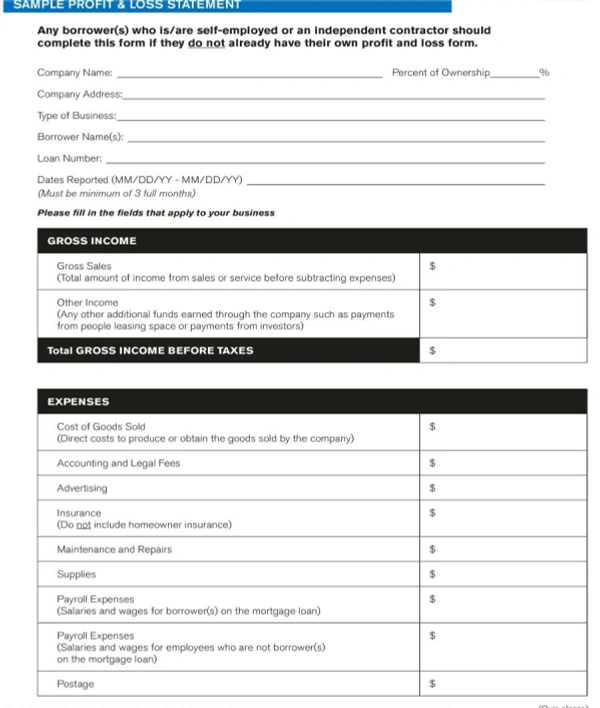
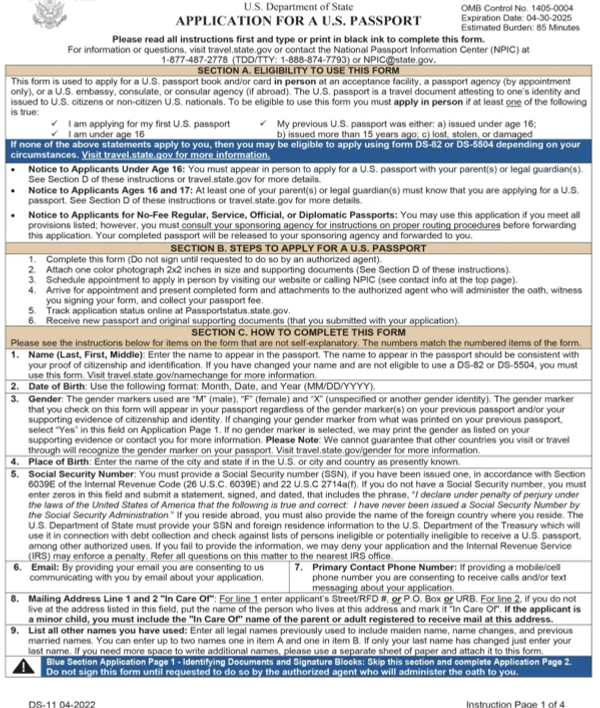
.webp)
.webp)
.webp)
.webp)
.webp)
.webp)
.webp)
.webp)
.webp)
 are safe with SignlyPDF
SignlyPDF applies proven security standards to protect your data and ensure safe document handling.

All SignlyPDF team members use multi-factor authentication to access internal systems. This applies to email, cloud services, and the application's source code, adding an extra layer of security. Secure access to internal systems with multi-factor authentication, protecting accounts from unauthorized access.

SignlyPDF secures all sensitive information both during transmission and while stored. Our platform uses industry-recognized AES-256 encryption to ensure data is safely protected at rest. Sensitive data is protected in transit and at rest using AES-256 encryption, the industry security standard.

All files uploaded to SignlyPDF are stored on secure cloud infrastructure provided by DigitalOcean. Our storage environment follows industry best practices to ensure data reliability and security. Uploaded files are stored on secure cloud infrastructure provided by DigitalOcean, following best security practices.

SignlyPDF regularly reviews third-party libraries and application code. We perform ongoing security checks, including automated analysis and manual code reviews, to maintain a strong security posture. Application code and third-party libraries are reviewed through regular automated and manual security checks.
are safe with SignlyPDF
SignlyPDF applies proven security standards to protect your data and ensure safe document handling.
All SignlyPDF team members use multi-factor authentication to access internal systems. This applies to email, cloud services, and the application's source code, adding an extra layer of security. Secure access to internal systems with multi-factor authentication, protecting accounts from unauthorized access.
SignlyPDF secures all sensitive information both during transmission and while stored. Our platform uses industry-recognized AES-256 encryption to ensure data is safely protected at rest. Sensitive data is protected in transit and at rest using AES-256 encryption, the industry security standard.
All files uploaded to SignlyPDF are stored on secure cloud infrastructure provided by DigitalOcean. Our storage environment follows industry best practices to ensure data reliability and security. Uploaded files are stored on secure cloud infrastructure provided by DigitalOcean, following best security practices.
SignlyPDF regularly reviews third-party libraries and application code. We perform ongoing security checks, including automated analysis and manual code reviews, to maintain a strong security posture. Application code and third-party libraries are reviewed through regular automated and manual security checks.
Choose a plan that matches how many documents you send and how many people sign them.
For individuals getting started with e-signatures.
5 documents per month
Up to 2 participants per document
Unlimited self-signing
No credit card required
For individuals sending documents regularly.
Everything from Free
30 documents per month
Up to 3 participants per document
Sign Request Email Reminders
For businesses with higher volume and more participants.
Everything from Individual
Unlimited documents per month
Unlimited participants per document
Personalize your email templates
Team building and role management
eSignature automation and scalability for power users.
Everything from Individual
Unlimited documents
Unlimited participants per document
Personalize your email templates
Team building and role management
Choose a plan that matches how many documents you send and how many people sign them.
For individuals getting started with e-signatures.
5 documents per month
Up to 2 participants per document
Unlimited self-signing
No credit card required
For individuals sending documents regularly.
Everything from Free
30 documents per month
Up to 3 participants per document
Sign Request Email Reminders
For businesses with higher volume and more participants.
Everything from Individual
Unlimited documents
Unlimited participants per document
Personalize your email templates
Team building and role management
eSignature automation and scalability for power users.
Everything from Individual
Unlimited documents
Unlimited participants per document
Personalize your email templates
Team building and role management
We have answers to the most popular questions from our customers.